Pixelbolt Studio (formerly PixelForge Studio)
A downloadable tool for Windows
PixelForge is now Pixelbolt. The project was renamed in version 0.8.0: github.com/skulitom/Pixelbolt. This download is PixelForge Studio 0.7.1, built before the rename, so its files and the text below still use the old name.
The pixel-art tool your coding agent can drive.
PixelForge turns editable JSON recipes into pixel-art sprites and animations, with the same pixels every time. Your coding agent drives it through an MCP server or the command line, and you watch, inspect and tweak the result in a studio in your browser. There is no image model, no account and no network: every pixel comes from a recipe you can read, diff and change.
What is in the download
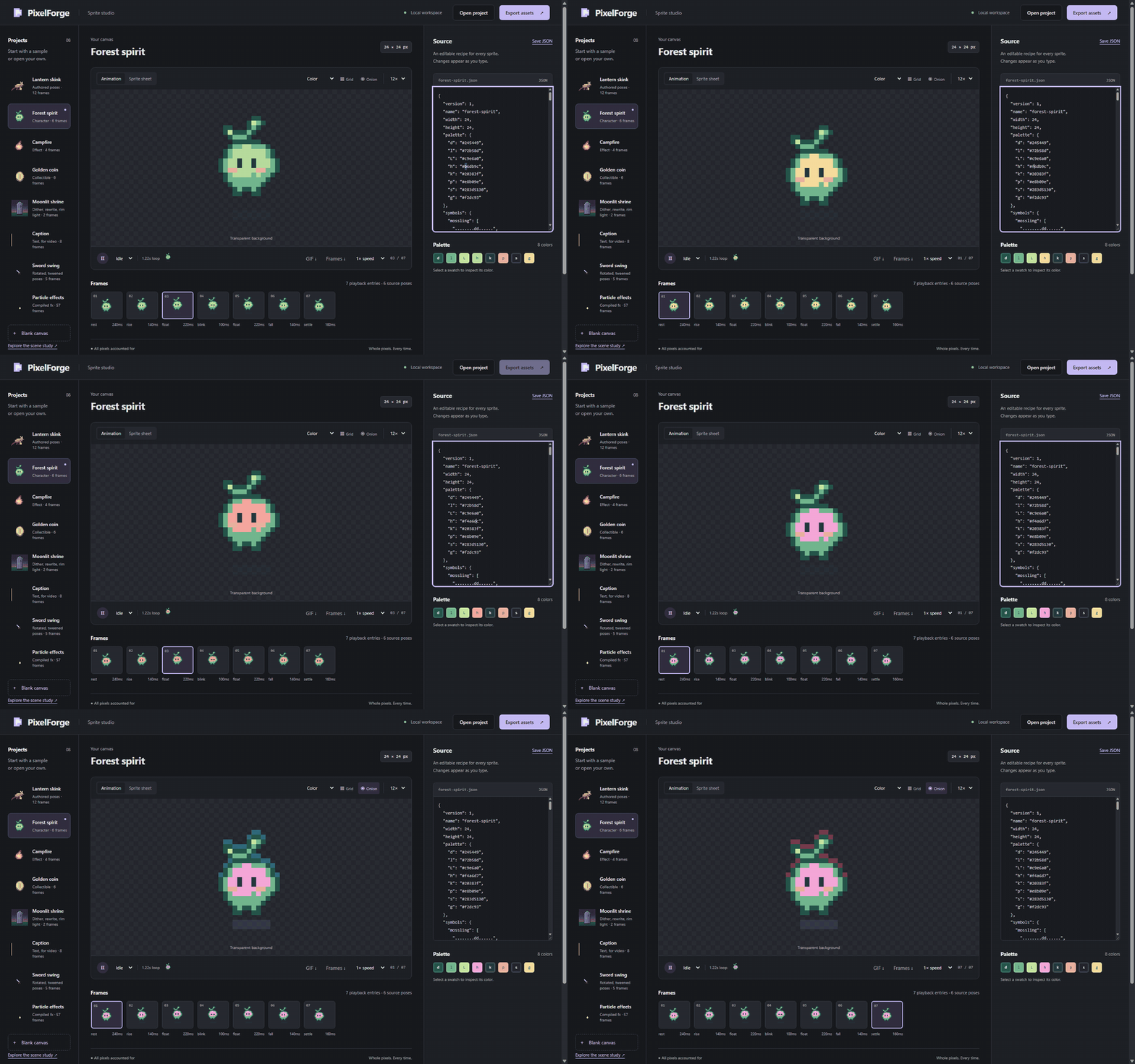
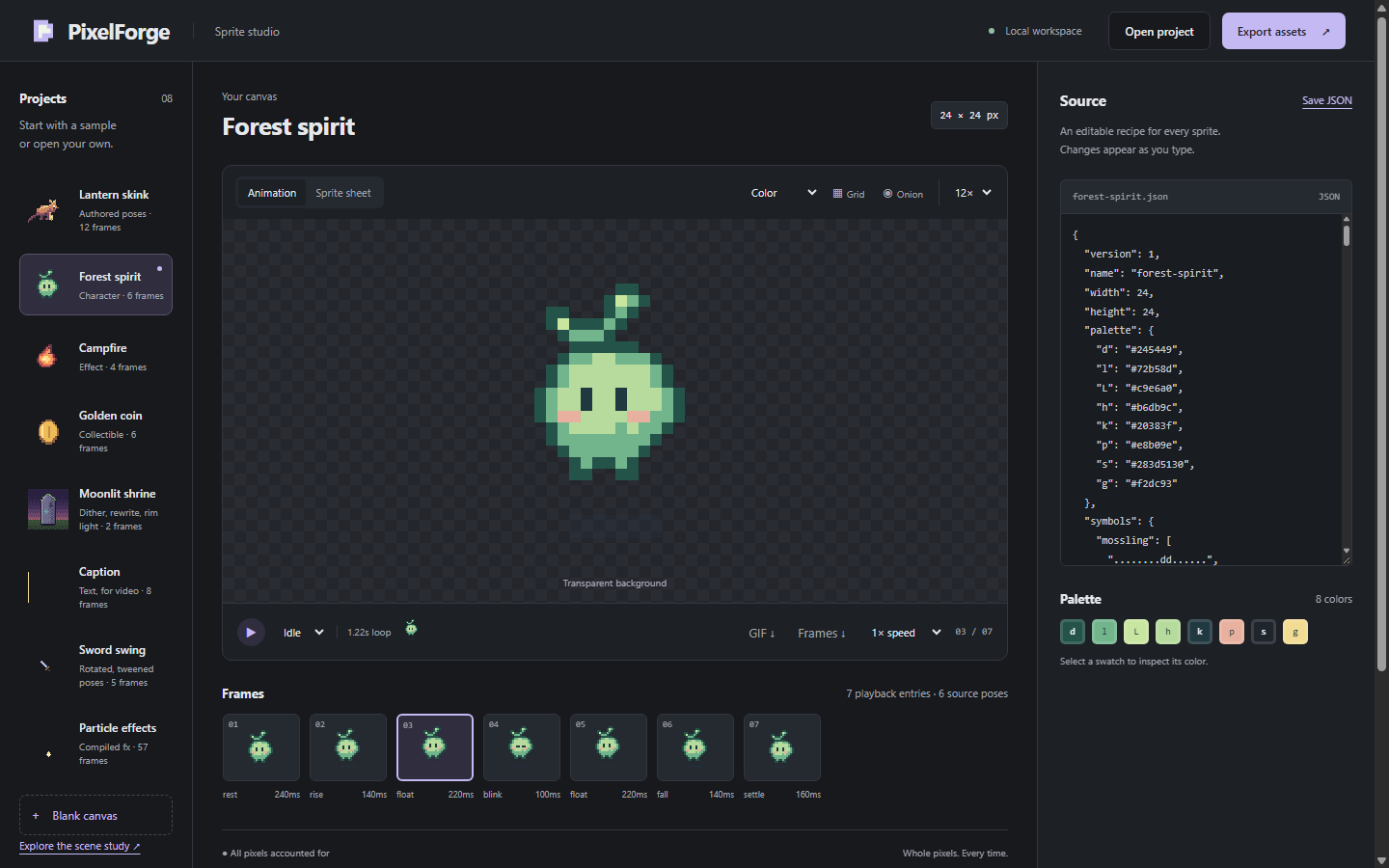
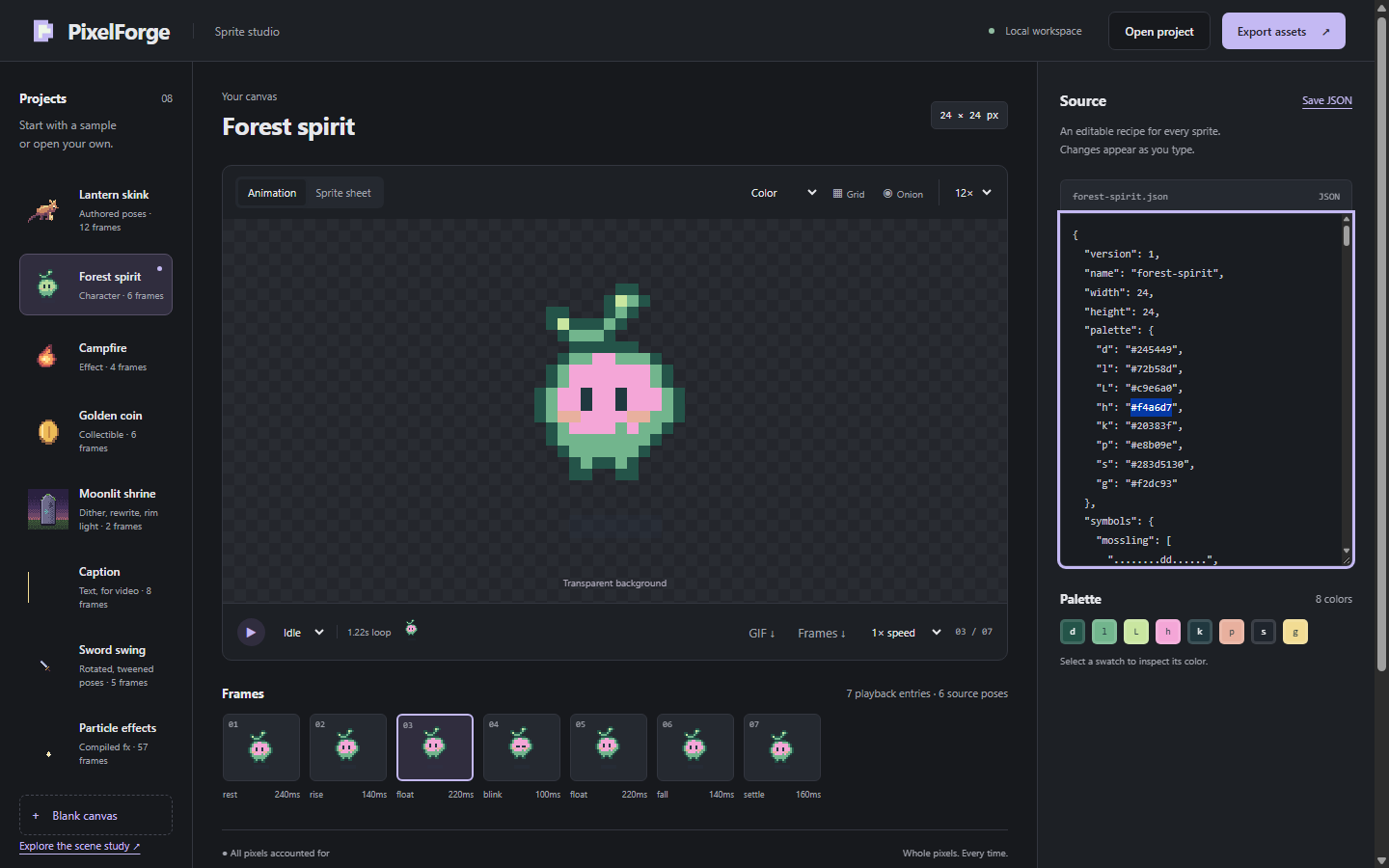
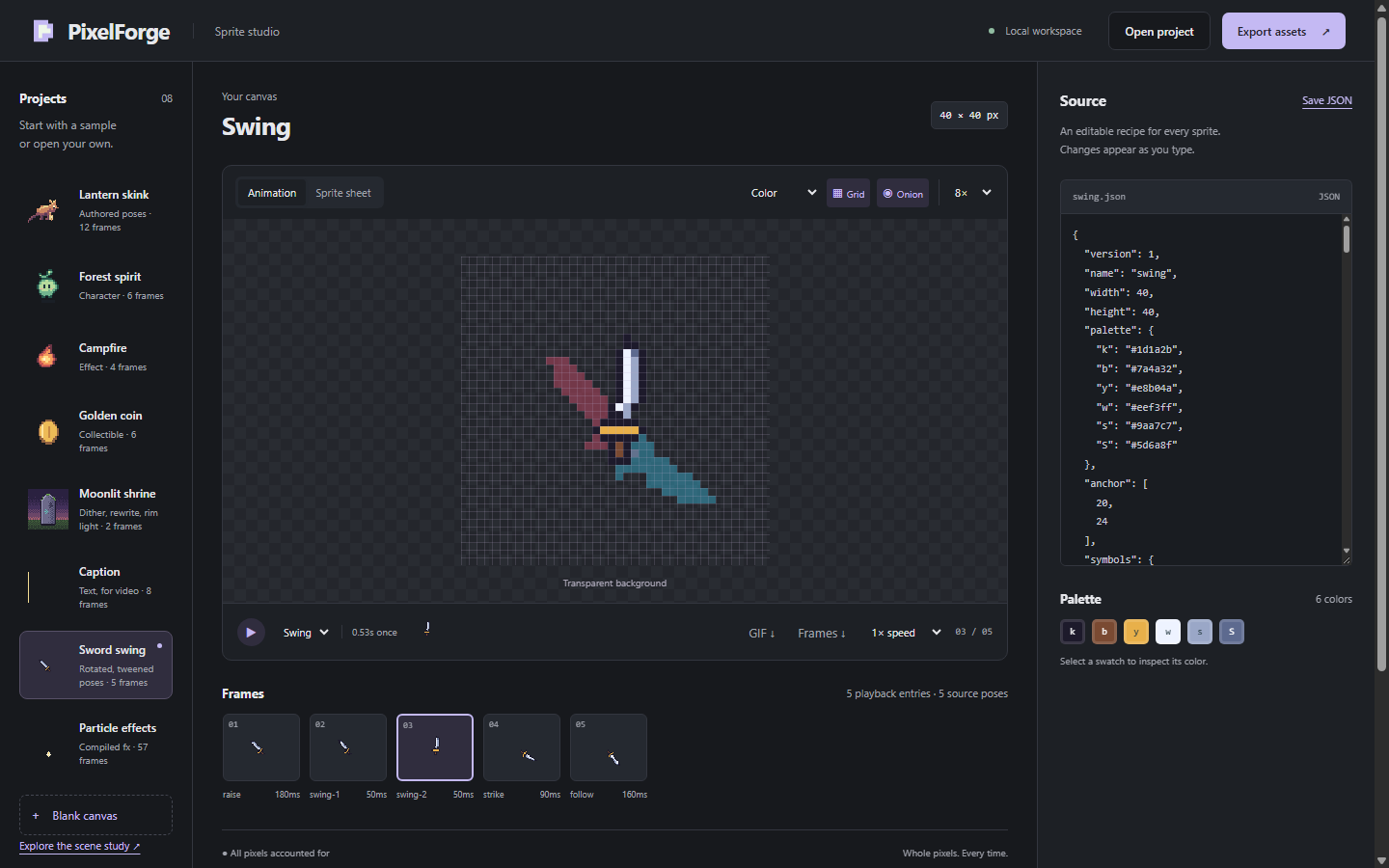
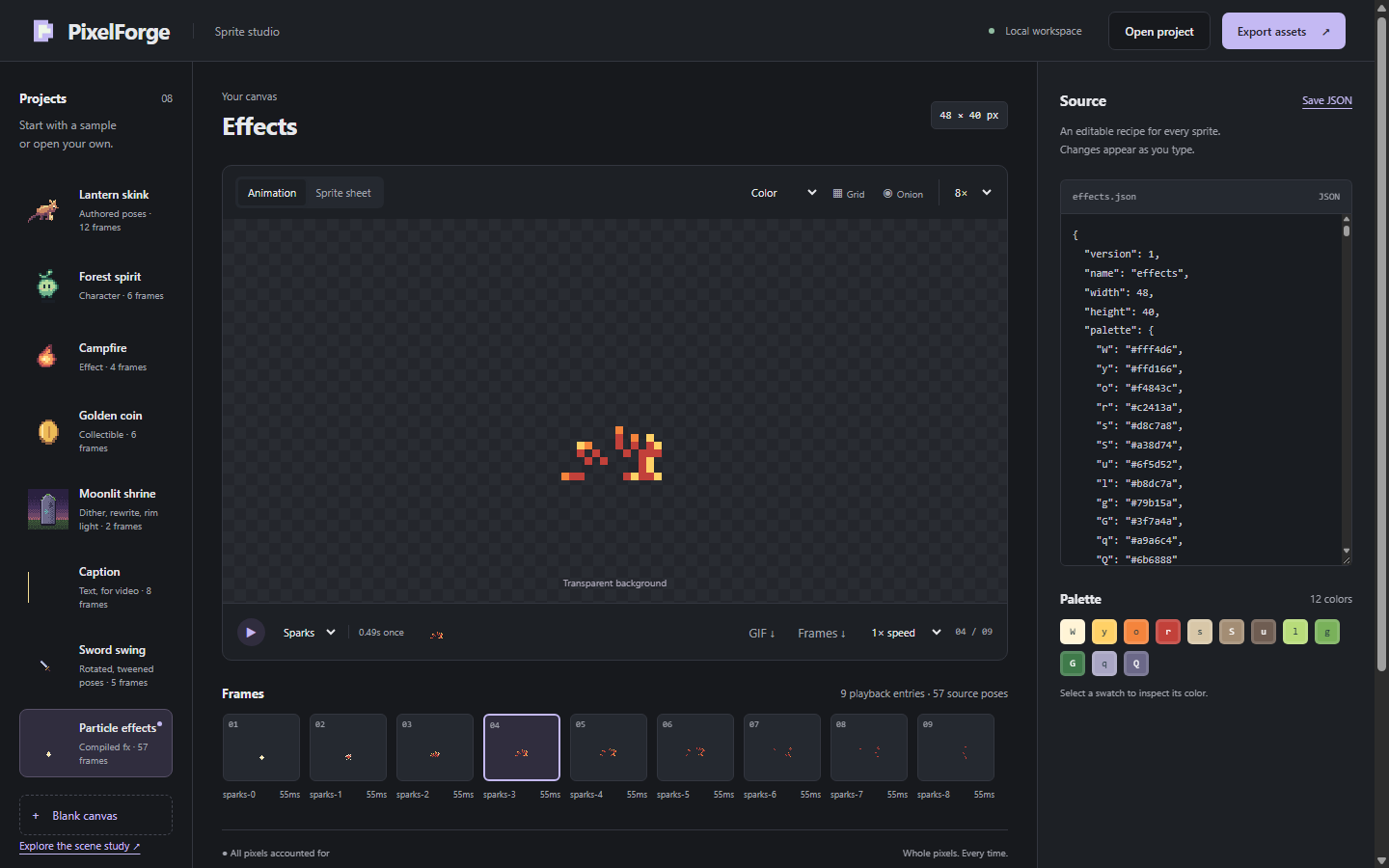
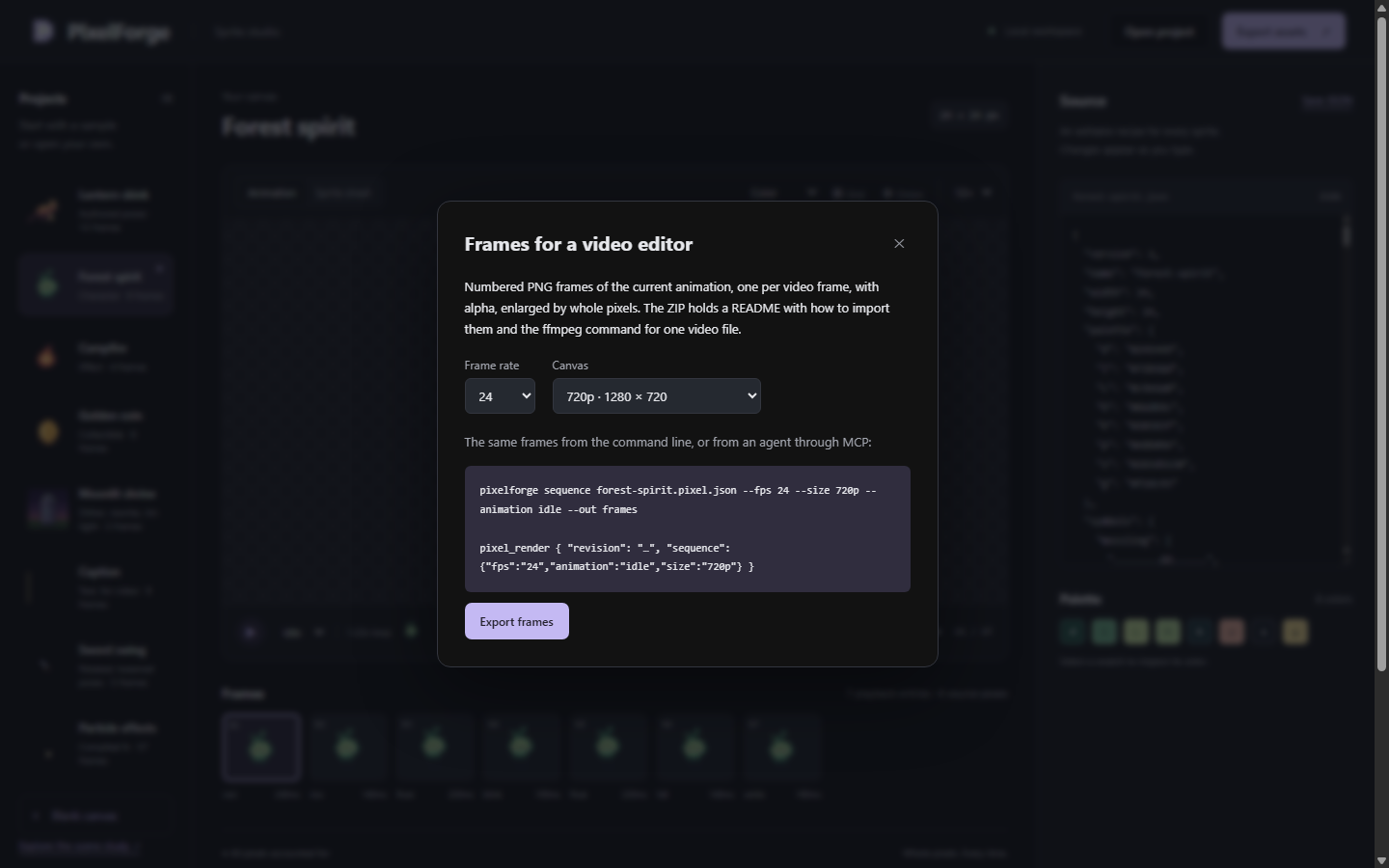
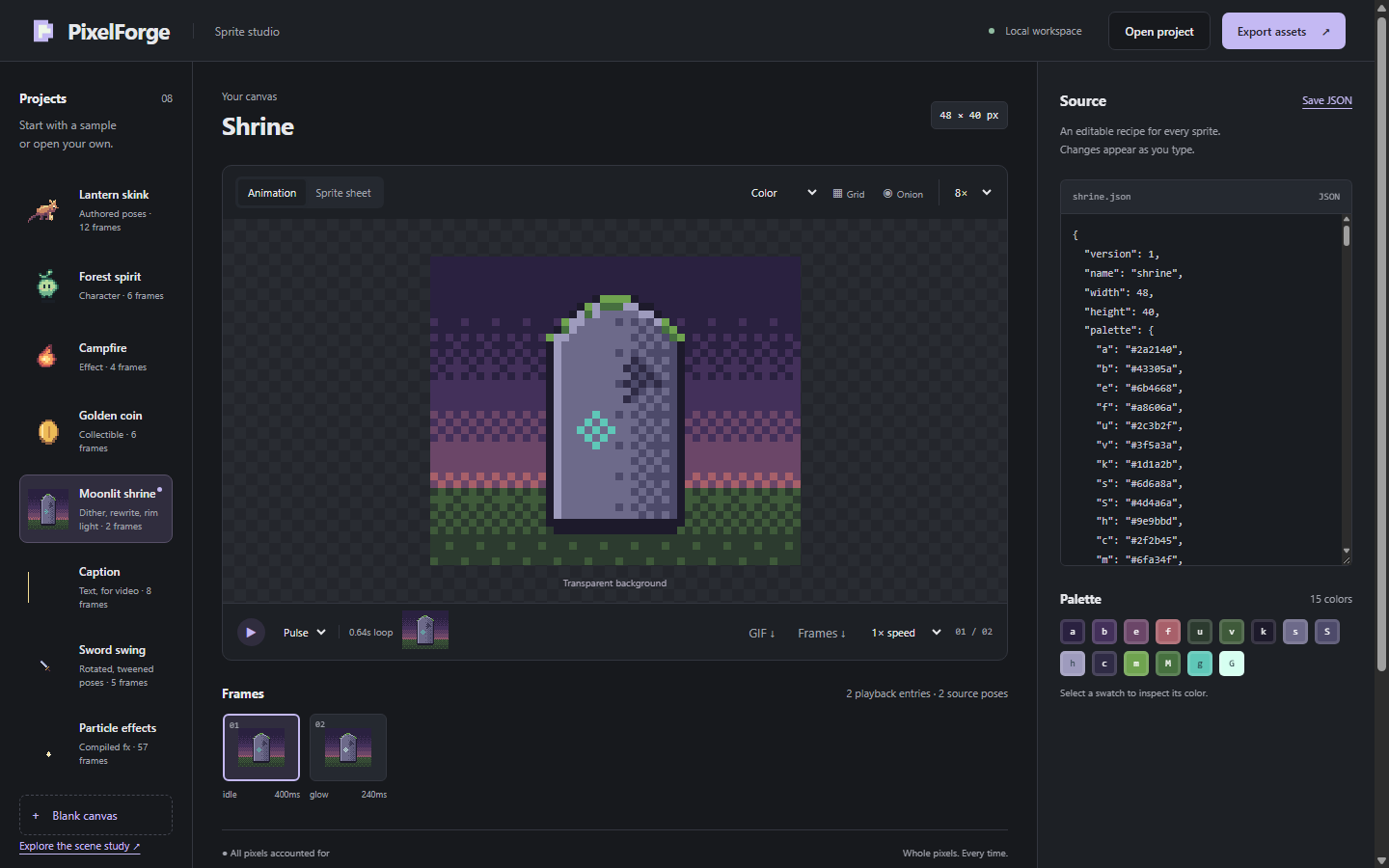
- A studio in your browser. Pick a sample or open your own recipe, edit its JSON and see the preview update as you type. Play, pause and pick frames, change the speed, zoom, and turn on the grid, onion skin or the sprite sheet view. "Save JSON" downloads your recipe and "Open project" loads it again. "Export assets" downloads a ZIP with the sprite sheet, every frame, animated PNGs, atlas metadata and a
preview.htmlthat plays from disk. "GIF" saves the current animation for sharing, and "Frames" saves numbered PNG frames for a video editor. - A command line.
init,validate,inspect,patch,render,gifandsequence, among others, with the exact commands for a first session in START HERE.txt. Existing files are never replaced unless you add--force. - An MCP server for agents, with eight tools:
pixel_help,pixel_validate,pixel_inspect,pixel_patch,pixel_render,pixel_compile,pixel_sceneandpixel_import. Double-click "Connect your agent.cmd" and it prints ready-to-paste settings for Claude Code, Claude Desktop, Codex and Cursor, with this folder's real paths filled in. It only prints: it never changes a configuration file.
Free and open source
PixelForge is free and open source under the MIT licence: github.com/skulitom/PixelForge. This download is the ready-to-run Windows build of version 0.7.1: the same code with its own copy of the official Node.js runtime, so there is nothing to install. It costs nothing.
Get started
- Download the ZIP and extract all of it (right-click it, then "Extract All").
- Open the extracted folder, then the PixelForgeStudio-0.7.1-win-x64 folder inside it, and double-click PixelForge Studio.cmd. A console window shows the studio's address and opens it in your browser. Close that window to stop the studio.
- To connect your agent, double-click Connect your agent.cmd, copy the block for your agent into its settings, and ask the agent to call
pixel_help.
Windows asks before it runs a script that came from the internet: an "Open File - Security Warning" says the publisher could not be verified. Click Run. It asks each time unless you untick "Always ask before opening this file". The launchers are short text scripts that you can read in Notepad. START HERE.txt in the folder walks through the studio, the command line and agent setup.
System requirements
- 64-bit Windows. Tested on Windows 11 and Windows Server 2025.
- No administrator rights, Node.js or git needed.
- About 35 MB to download and 91 MB once extracted.
- A current web browser for the studio. Tested in Chromium-based browsers (Chrome and Edge).
Privacy
Everything runs on your computer. The studio listens on 127.0.0.1 only, so other machines can't reach it. PixelForge makes no network calls and installs nothing. It writes nothing on its own outside its folder: only the files you ask for, such as a command's output or a download from the studio, and an unsaved-edits draft that your browser keeps (see below). To remove it, stop it and delete the folder.
Known limits
- Windows only, for this download. On macOS or Linux, run it from source with Node.js 20 or newer:
git clone https://github.com/skulitom/PixelForge, thencd PixelForgeandnode bin/pixelforge.js preview --open. The repository also builds portable macOS and Linux archives, and its automated checks run them on GitHub's macOS and Linux machines, but they aren't offered here: this release was checked on Windows only. - A recipe editor and inspector, not a paint program. You, or your agent, edit the JSON recipe; the studio previews, inspects and exports it.
- Small art. Up to 256 × 256 pixels and 256 frames per recipe: sprites, tiles and effects.
- Save your work with "Save JSON". The studio keeps one draft of unsaved edits in your browser and offers it back the next time it opens at the same address. The draft is a safety net, not a file: it is gone if you clear the browser's site data, and it isn't offered when the studio had to use another port, for example while a second copy is running.
- Claude Code shows the first help reply as a file.
pixel_helpreturns the whole authoring guide, art workflow and JSON Schema at once, about 85,000 characters. Claude Code (tested with 2.1.280) saves a reply that long to a file for the agent to read, and by default labels it "exceeds maximum allowed tokens". Starting Claude Code with the environment variableMAX_MCP_OUTPUT_TOKENS=40000turns that into an ordinary saved reply. - Some bundled docs are the repository's.
app\README.mdand a few other documents are written for a source checkout, and the studio's Frames dialog shows the command aspixelforge sequence …: in this folder, type.\pixelforgewhere they saynode bin/pixelforge.jsorpixelforge. A few of README's links go to files that are only on GitHub. START HERE.txt is written for this download, and the agent skill and the authoring guide say which command to use here. - Not code-signed. The launchers are plain
.cmdscripts. The bundlednode.exeis the official Node.js 24.21.0, signed by the OpenJS Foundation.
Showcase: StrataForge
A separate free download: StrataForge, a small mining game made with PixelForge art. Every sprite in it (the drilling rig, the terrain tiles and the outpost) was authored as a PixelForge recipe. It is a single Windows executable that is not code-signed, so Windows SmartScreen will probably warn before it runs. It was built separately from PixelForge Studio and is offered as it is: PixelForge Studio's release checks don't cover it. Its licences are in the ZIP.
AI use
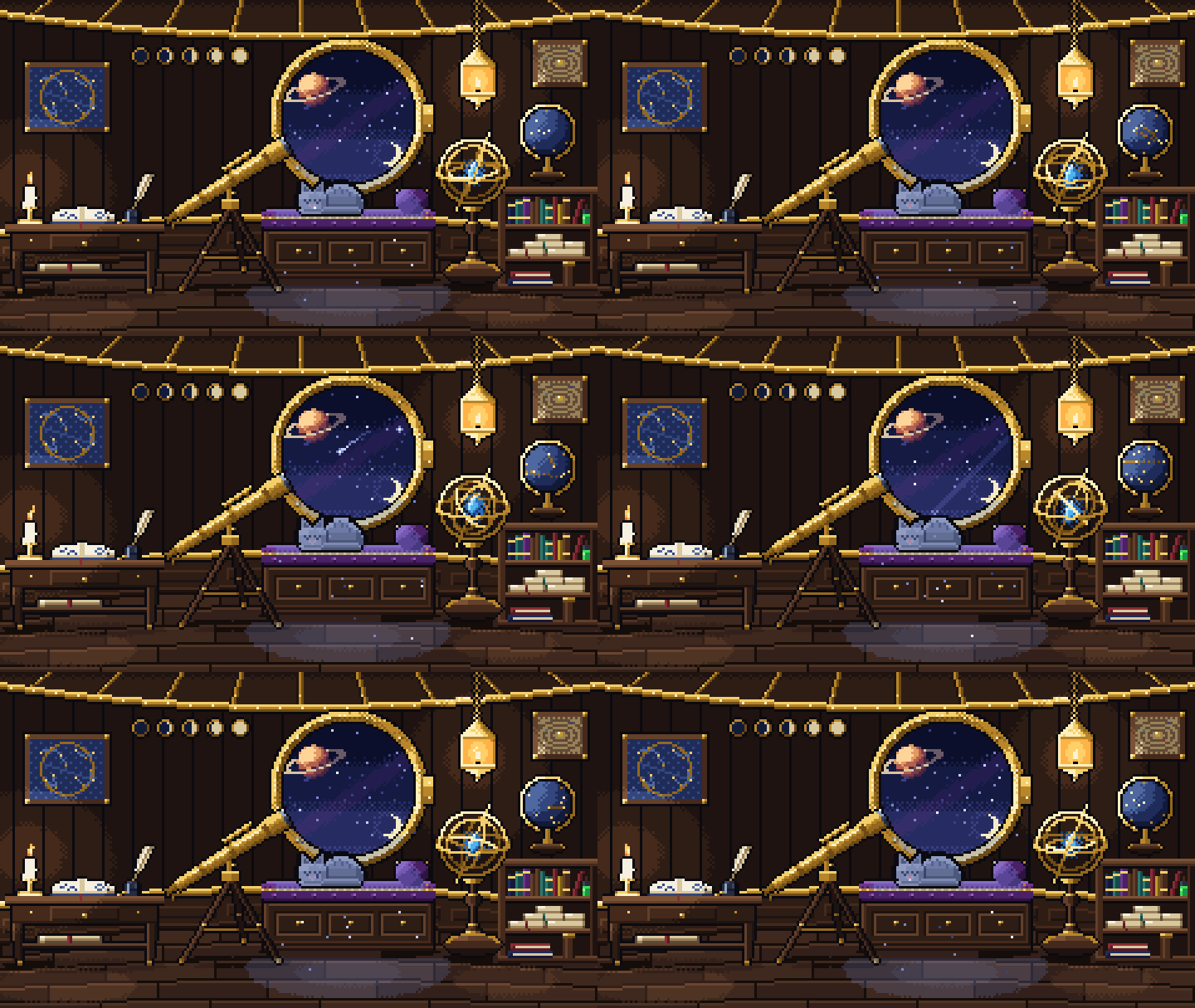
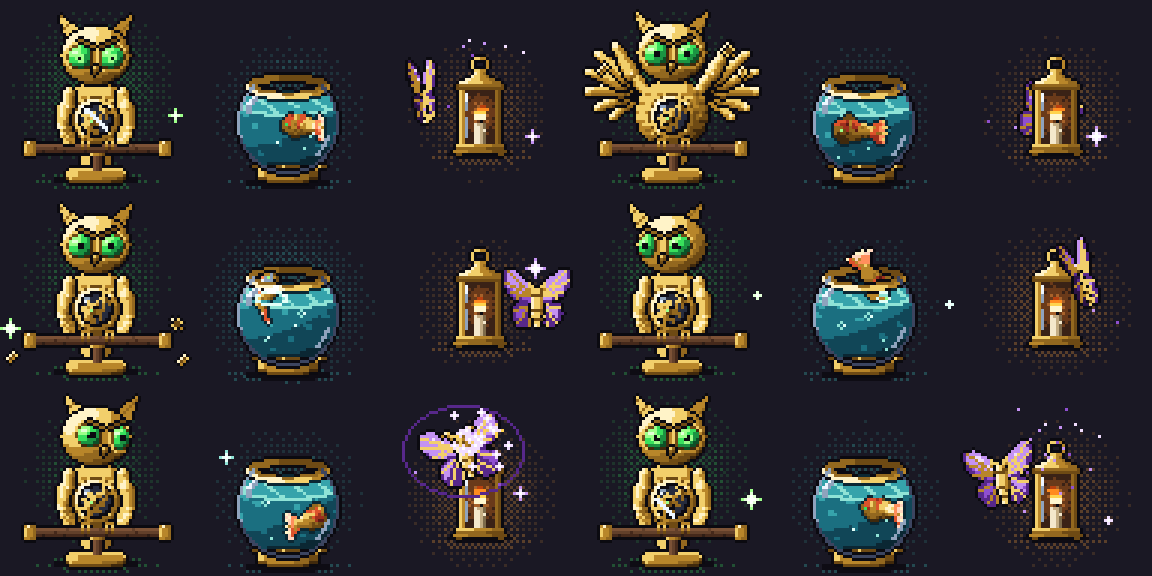
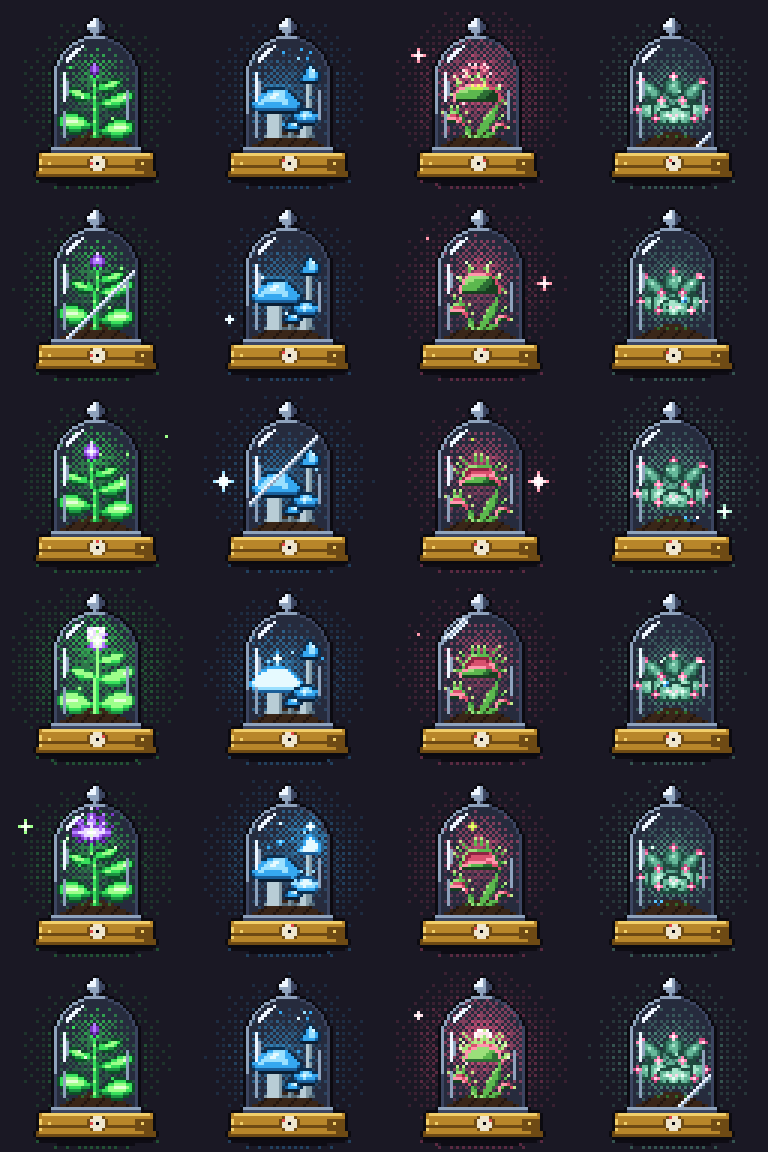
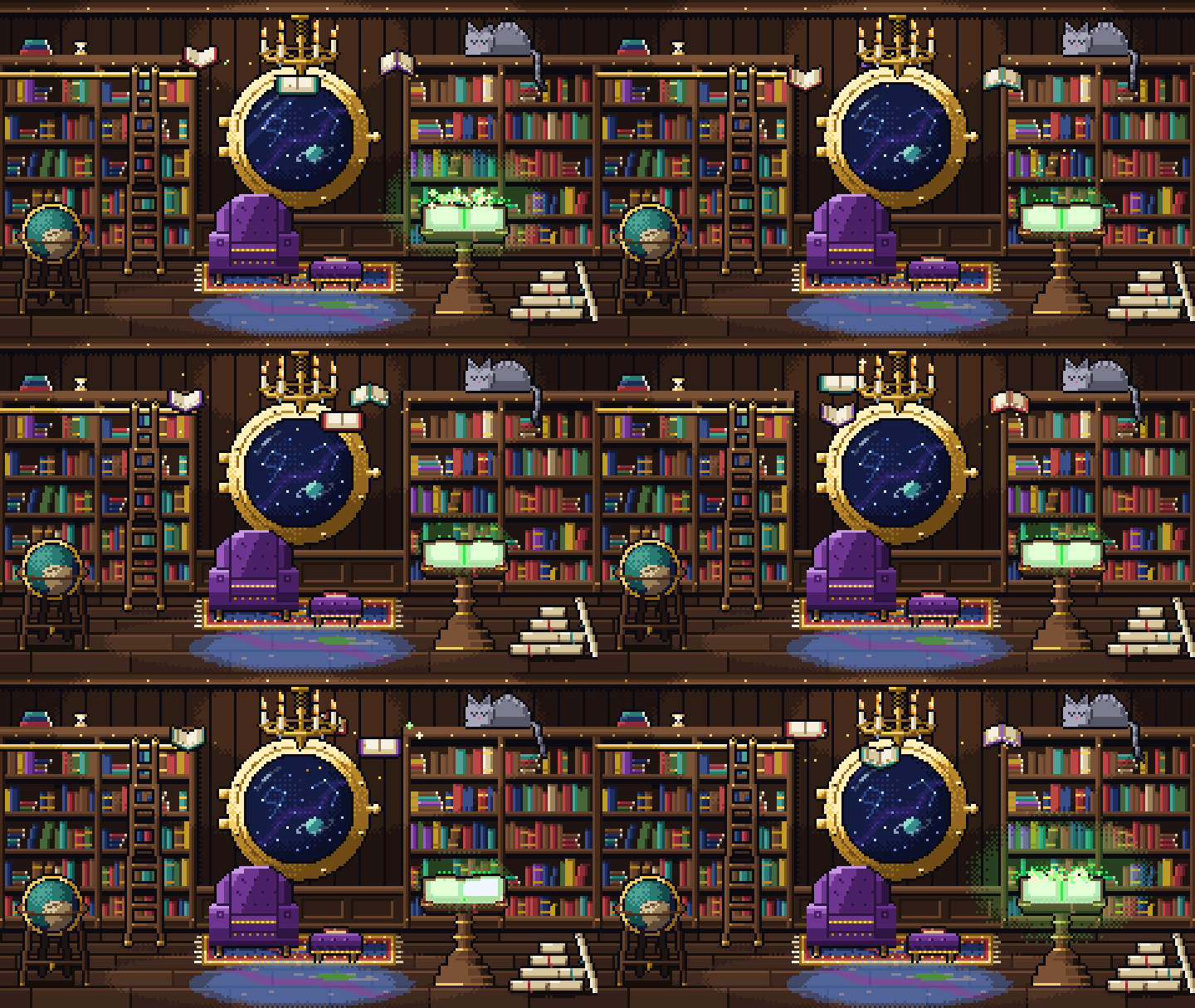
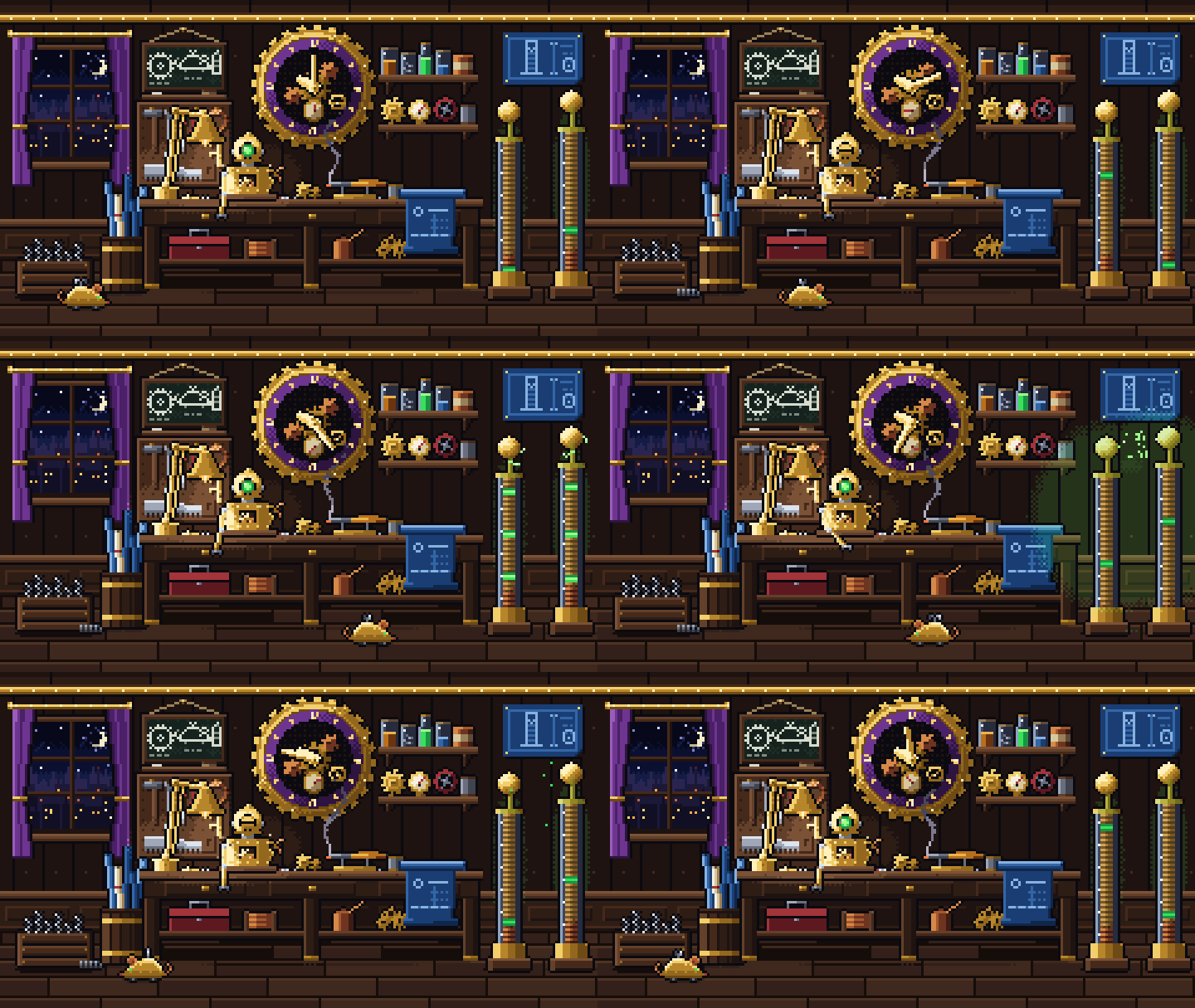
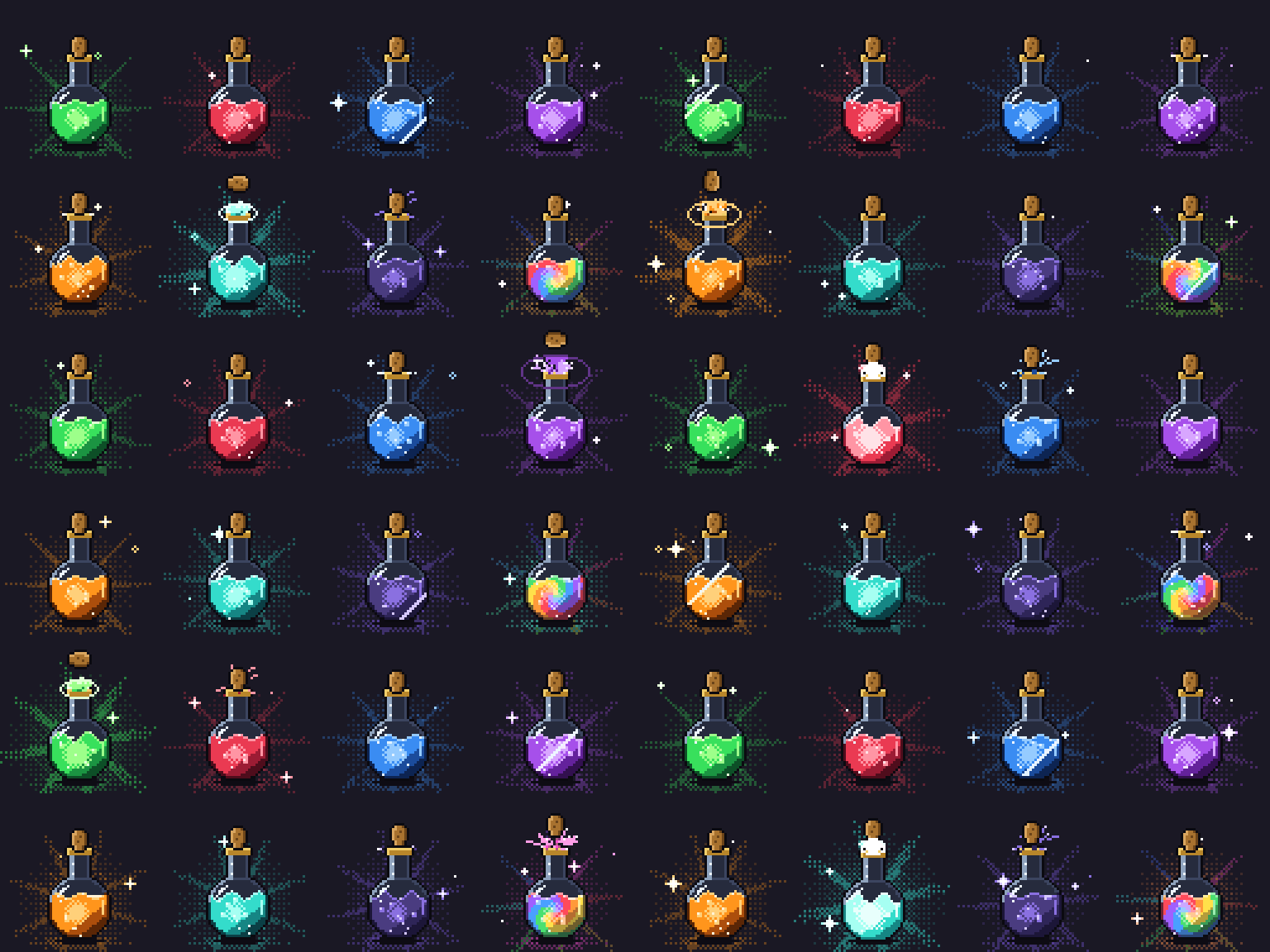
PixelForge was built with AI coding agents: its code, documentation and sample sprites were written by agents under the developer's direction (most commits are co-authored by Anthropic's Claude). The sample sprites and this page's cover are text recipes written by AI agents and drawn by PixelForge's own renderer; no image-generation model made any pixel. StrataForge's code was also written by an AI coding agent, with its art authored as PixelForge recipes.
Feedback
Bug reports and ideas are welcome in the comments here or as GitHub issues.
Download
Leave a comment
Log in with itch.io to leave a comment.